
Supported Devices
WebHID ready
WebHID
Auto-detect your device
Plug your IPI device in, click the button, and the browser matches it to the right web driver. Nothing is installed on your machine.
Detection flow
- Connect device
- Choose device
- Ready
Status
Waiting for a device
Chrome or Edge recommended. Allow the device picker when the browser asks.
Plug the device in with a cable first. Wireless dongles work too, but USB is more reliable for the first pairing.
WebHID-ready IPI devices can be tuned right here — lighting, key mapping and magnetic switch parameters. No local software required.
View all supported models
Magnetic Keyboards 10
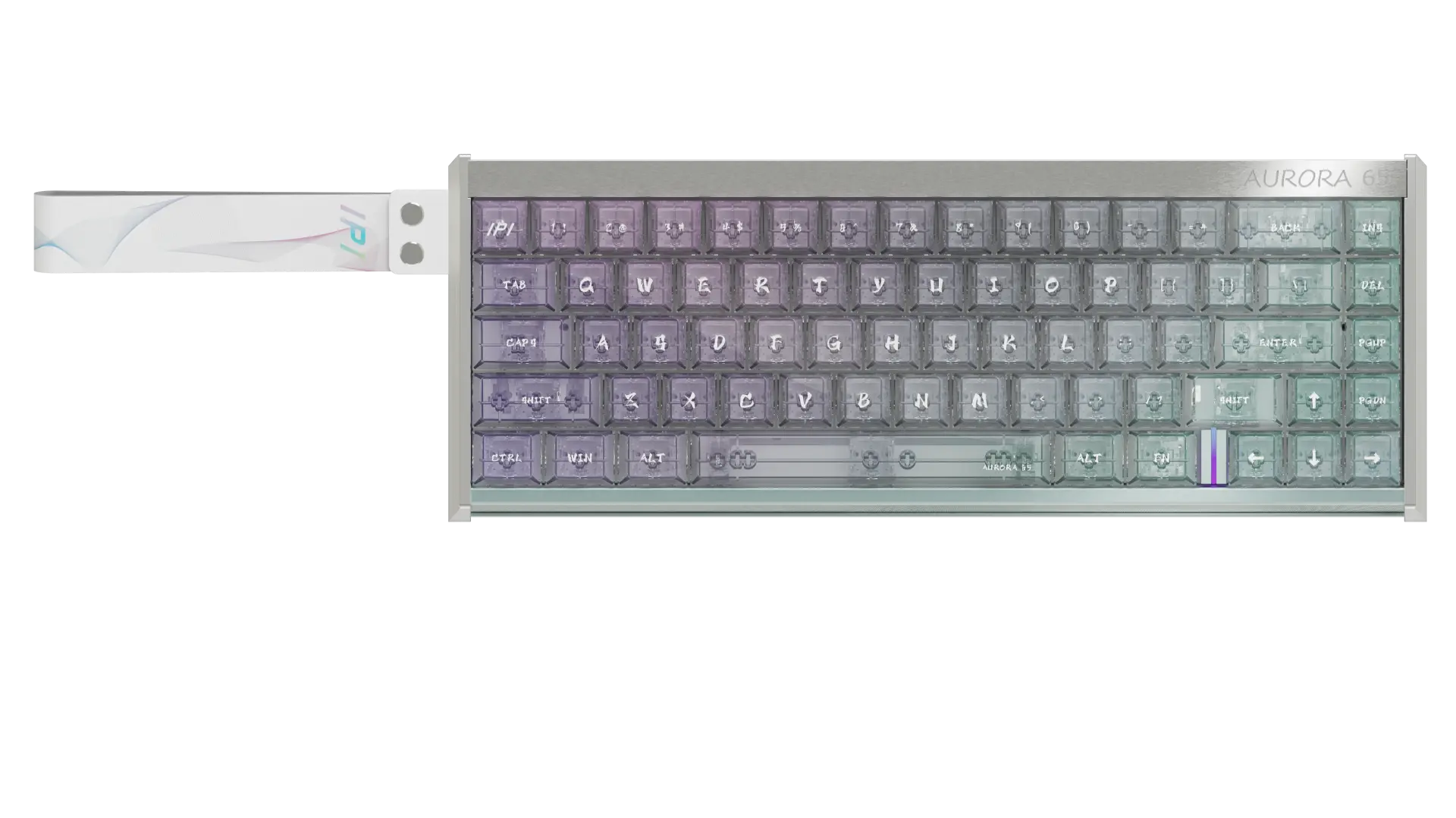
AURORA 65
Magnetic · 8K polling · Rapid Trigger
AURORA 65W
Wireless magnetic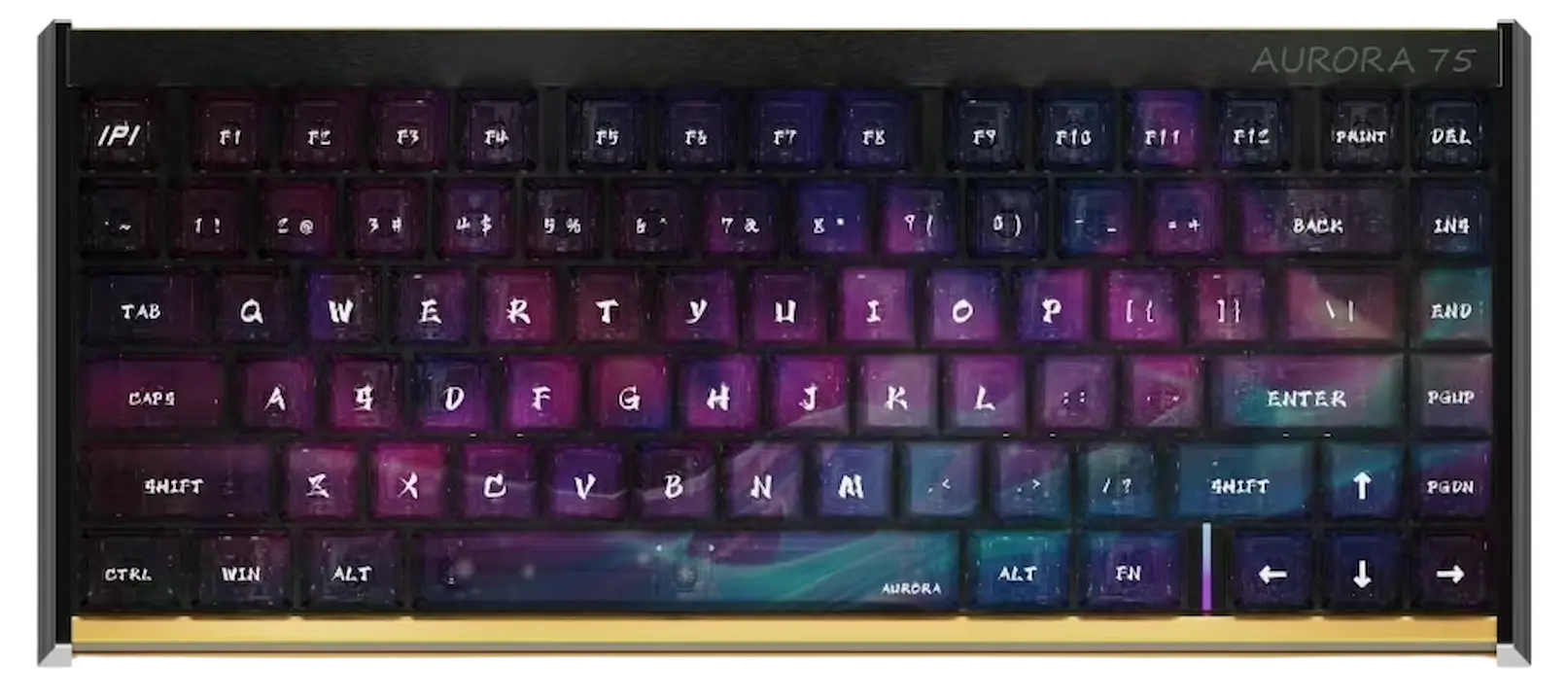
AURORA 75 PRO+
Magnetic, 75% layout
AURORA65+
Magnetic switch
Aurora 75
Magnetic, 75% layout
Aurora 75 PRO
Magnetic, 75% layout
QBZ65
QBZ65
Magnetic switch
QBZ65+
QBZ65+
Magnetic switch
QBZ75
QBZ75
Magnetic switch
RAIN 65
RAIN 65
Magnetic switchMechanical Keyboards 2
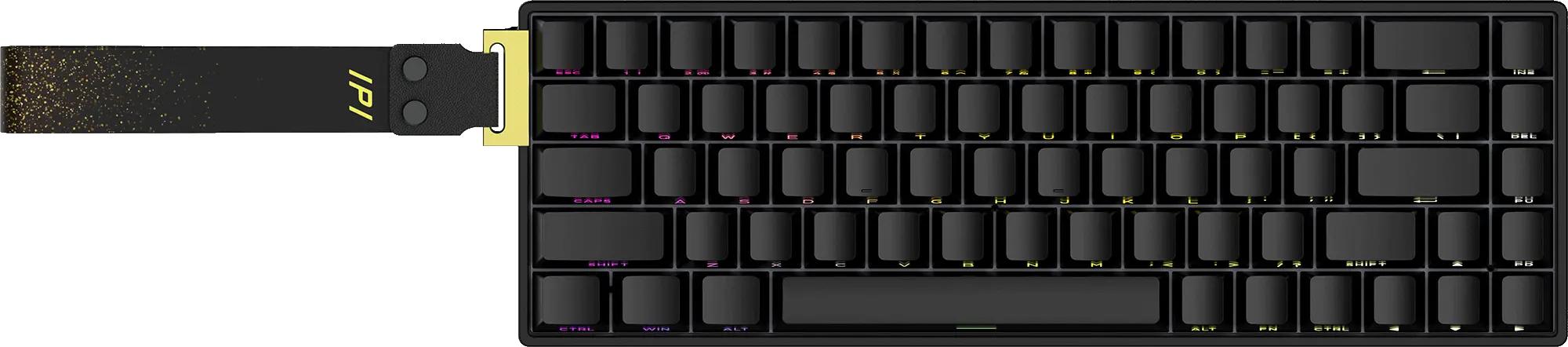
flash68
Mechanical
flash68+
MechanicalMice 4
FLY PRO
FLY PRO
Mouse · protocol pending
PIAO
PIAO
Mouse · protocol pending
QI PRO
QI PRO
Mouse · protocol pending
雾-IPI-2.4G
雾-IPI-2.4G
Mouse · 2.4G dongle · protocol pending—
—
First time needs a browser permission for the device — after that the browser remembers it.